Automating vROPs Tenant Appliance Deployment & Configuration via API

In my previous post on vROPs Tenant Appliance for vCD, I covered steps of manual deployment & configuration. In this post I will cover how we can achieve this via CLI/API.

These API’s can be leveraged via any scripting language to automate the deployment of vROPs TA.

Step 1: Deploy vROPs Tenant Appliance via ovftool

As of now there is no API for automating deployment of appliance via API, so we will use ovftool for this purpose.

Read the rest

Installing & Configuring vCD Content Pack in vRLI via API

In this post we will learn how to install vCD content pack in vRealize Log Insight via API. 

What is vCD Content pack?

As per VMware official documentation:

The VMware vCloud Director content pack provides you unparalleled visibility into your vCD environment from 5.5 to the new 9.x SP. Providing graphical representations of important log data, metrics of your vCD workloads and a robust set of alerts this content pack will allow you to better manage vCD utilizing Log Insight’s capabilities.

Installing content packs in vRLI is one of the day 2 operations that most VMware Admins do in their day to day job. In large datacenters where there are several instances of vRLI, configuring content packs & agents via UI is a very tedious and time consuming process. You can use API’s to automate these day 2 tasks to reduce time and to minimize human errors. So let’s get started.Read the rest

Install & Configure vCD Management Pack in vROPs via API

In this post, I will walk through the steps of installing vCD Management Pack in vROPS via API. Installation of the management pack is leveraged via vROPS CaSA API. The adapter configuration is done via regular suite-api. 

What is vROps CaSA API?

CaSA stands for Cluster and Slice Administration. The CaSA API manages the internal working of vRealize Operations Manager and runs on a standalone vFabric tcServer. CaSA API can be explored directly from vROPs by typing https://<vrops-fqdn>/casa/api-guide.html

Install and Configure vCD Management Pack & Adapter

1: Upload vCD Management Pack: First we need to upload vCD MP to vROPs via POST call. 

Note: I am executing all API calls via Postman. If you have never used postman to upload files to the server, then please read this post for instructions.

Read the rest

Getting Started With vROPs Tenant App For vCloud Director 10.x

In this post, I will walk through step by step installation for the vRealize Operations Manager Tenant App for vCloud Director. But before I jump into the lab, I want to take a moment to explain what this solution is all about and what it looks like from an architectural point of view.

What is vROPs Tenant App for vCloud Director?

vROPs Tenant App is a solution that helps in exposing vRops performance metrics to tenants in a vCD environment. Each tenant can only see metrics data relevant to their organization.

From a service provider point of view, this is an awesome solution as Tenant App enables tenants to have complete visibility of performance metrics of their environment. If an environment is not performing as per expectations, tenants can leverage this solution to root cause analysis of performance issues and they can perform L1-L2 level of maintenance/troubleshooting tasks themselves without raising service tickets with service providers. Read the rest

How To Update/Patch Multi Cell vCD 10.x Environment

In this post we will learn how to patch/update a Multi cell vCD 10.x environment.

Note: Above steps are for updating vCD from one build to another (patch release) within same version. Please do not confuse this with upgrading a vCD deployment where we jump from one major version to another.

I will breakup this post in 4 sections:

  • Pre Update Checks.
  • vCD Update Process.
  • Post Update Checks.
  • Post Update Tasks.

Pre Update Checks

There are number of checks which must be performed before attempting to update a vCD environment.

1: vCD Health Check & Primary Node identification: Before updating multi cell vCD environment, please ensure all vCD cells in server group are healthy and functioning correctly.

Also we need to identify vCD primary node as we will be needing this info later when we will be taking backup of the embedded database. To fetch this info we can make use of vCD Appliance API as shown below:

Method: GET

URL: https://<vcd-fqdn>:5480/api/1.0.0/nodes

Headers: x-vcloud-authorization: auth-token

Response Output:

From the above output we can infer that all 3 vCD nodes are healthy here, cluster health is also healthy and node “vcd1” is the current primary node.Read the rest

vCloud Extender-Part 4: Cloud Provider Registration and VM Migration

In the last post of this series, I covered the steps needed to configure the on-prem environment to connect it to a cloud provider site.

In this post, I will demonstrate how to register a cloud provider and initiate vm migration using vCloud Extender.

If you are not following along with this series, then I recommend reading earlier posts of this series from the links below:

1: Introduction to vCloud Extender

2: vCloud Extender-Cloud Provider Setup

3: vCloud Extender-Tenant (On-Premise) Setup

Let’s start with Cloud Provider registration.

Login to the On-prem vCenter server webclient and click on the vCloud Extender plugin and navigate to the Provider Clouds tab. Click the Add a Provider Cloud button.

Specify Cloud Provider name and Provider Cloud URL. This should be in the format https://provider-url/cloud/org/tenant-org-name.

Also specify the vCD Extender cloud service URL. 

Clicking the Test button verifies that the supplied info is correct and the on-prem vCenter can connect to the cloud environment successfully.Read the rest

vCloud Extender-Part 3: Tenant (On-Premise) Setup

In the last post of this series, we covered the deployment/configuration steps on the cloud provider side. In this post, we will learn how to configure the on-premise (tenant) environment.

If you are not following along this series, then I recommend reading earlier posts of this series from the links below:

1: Introduction to vCloud Extender

2: vCloud Extender-Cloud Provider Setup

To connect the Tenant environment with the cloud provider, we need to deploy an instance of vCloud Extender on-premises. Deployment is similar to the service provider side, but with a difference that we select the deployment type as “cx-connector“.

After the appliance is deployed and boots up, you connect to the appliance URL for configuration.

Connect to https://CX-Appliance-FQDN/ui/mgmt and login with the admin credentials.

On the home page click on Setup Wizard button to start configuring the appliance.

Register the appliance with the on-prem vCenter server lookup service. Read the rest

vCloud Extender-Part 2: Service Provider Setup

In the last post of this series, I discussed vCloud Extender architecture and its capabilities. In this post, I will walk through the steps of configuring vCloud Extender on the cloud provider side.

vCloud Extender is deployed as an OVA, and deployment steps are straightforward, as shown in the slideshow below. Select the deployment type as “cx-cloud-service” on the template customization page.

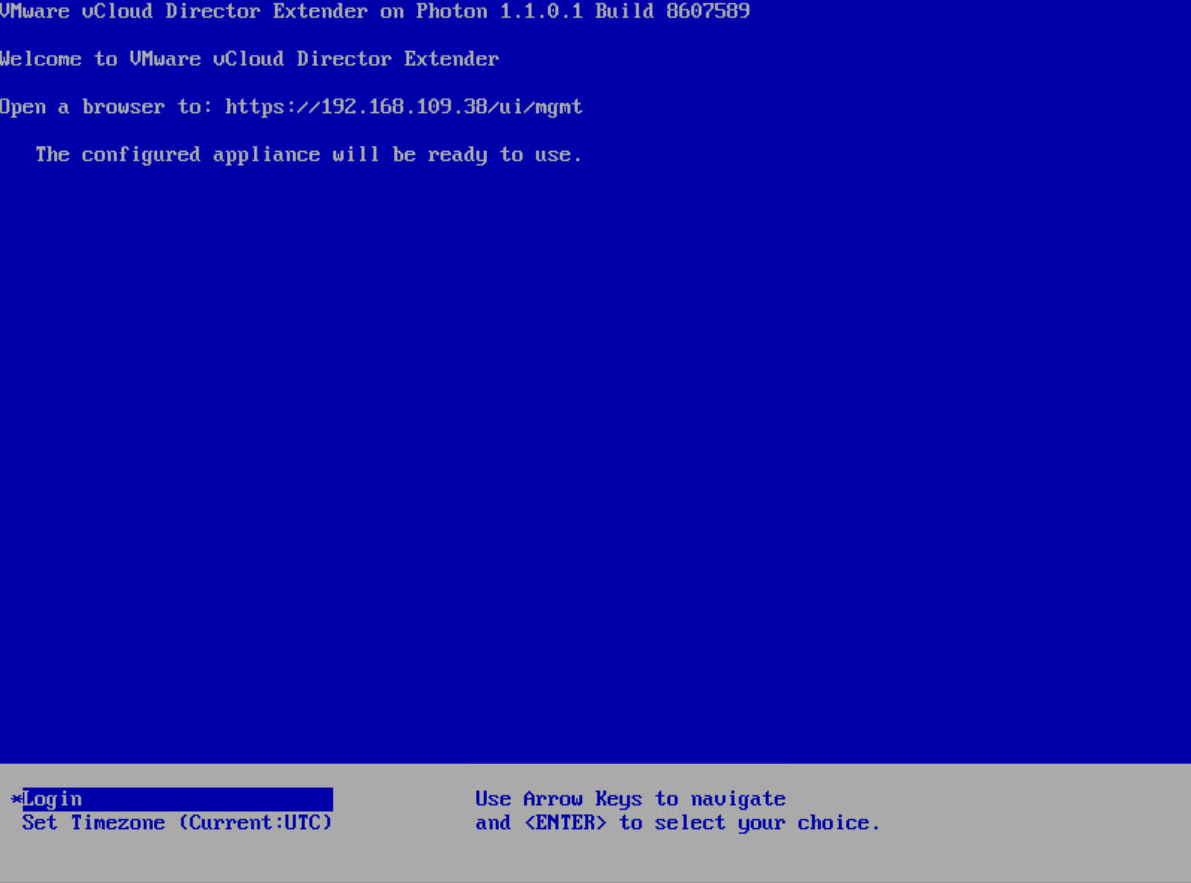
Once the appliance is deployed and boots up, it will show the browser link to access the appliance for further configuration.

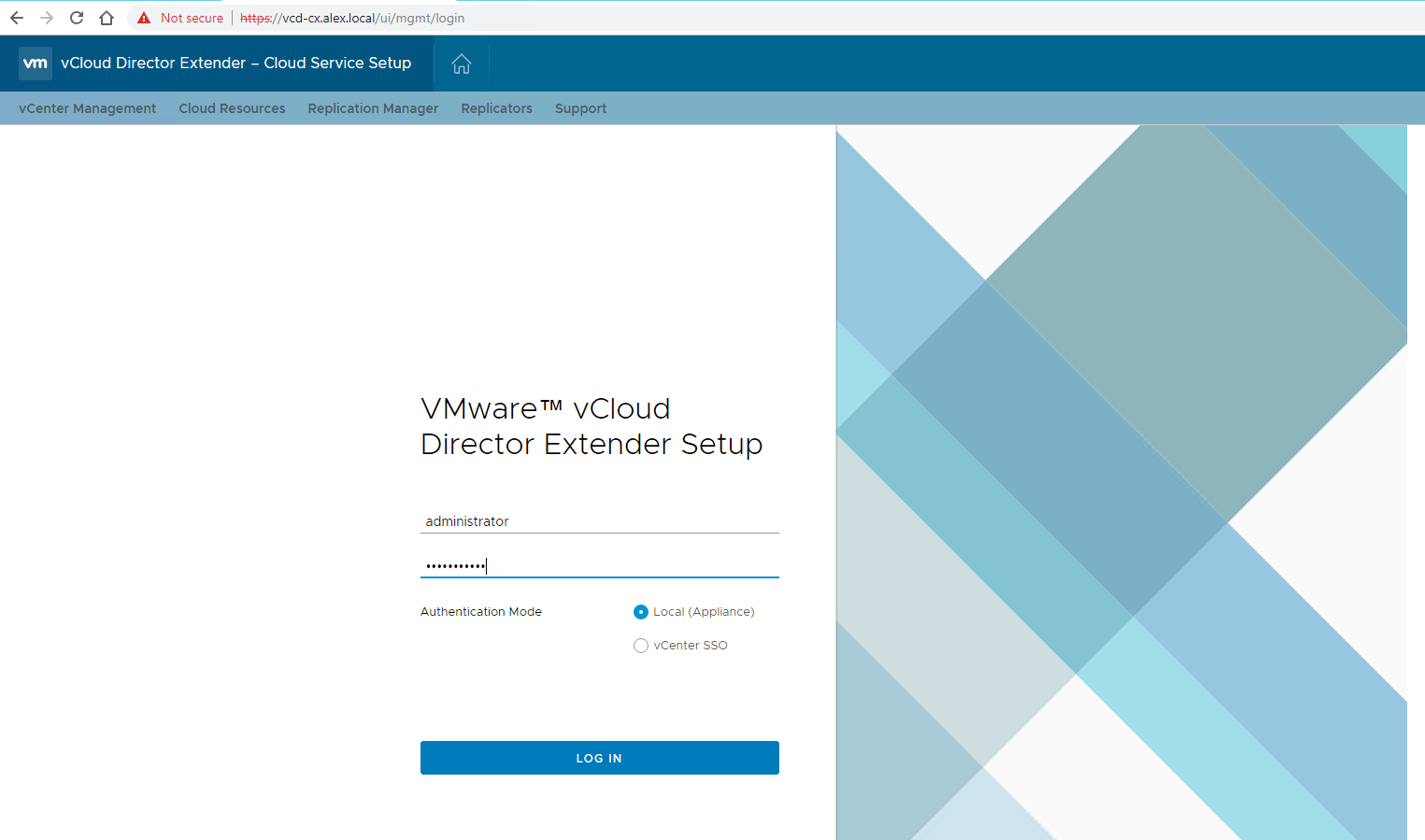
Connect to the appliance by typing https://appliance-fqdn/ui/mgmt and login with the administrator credentials.

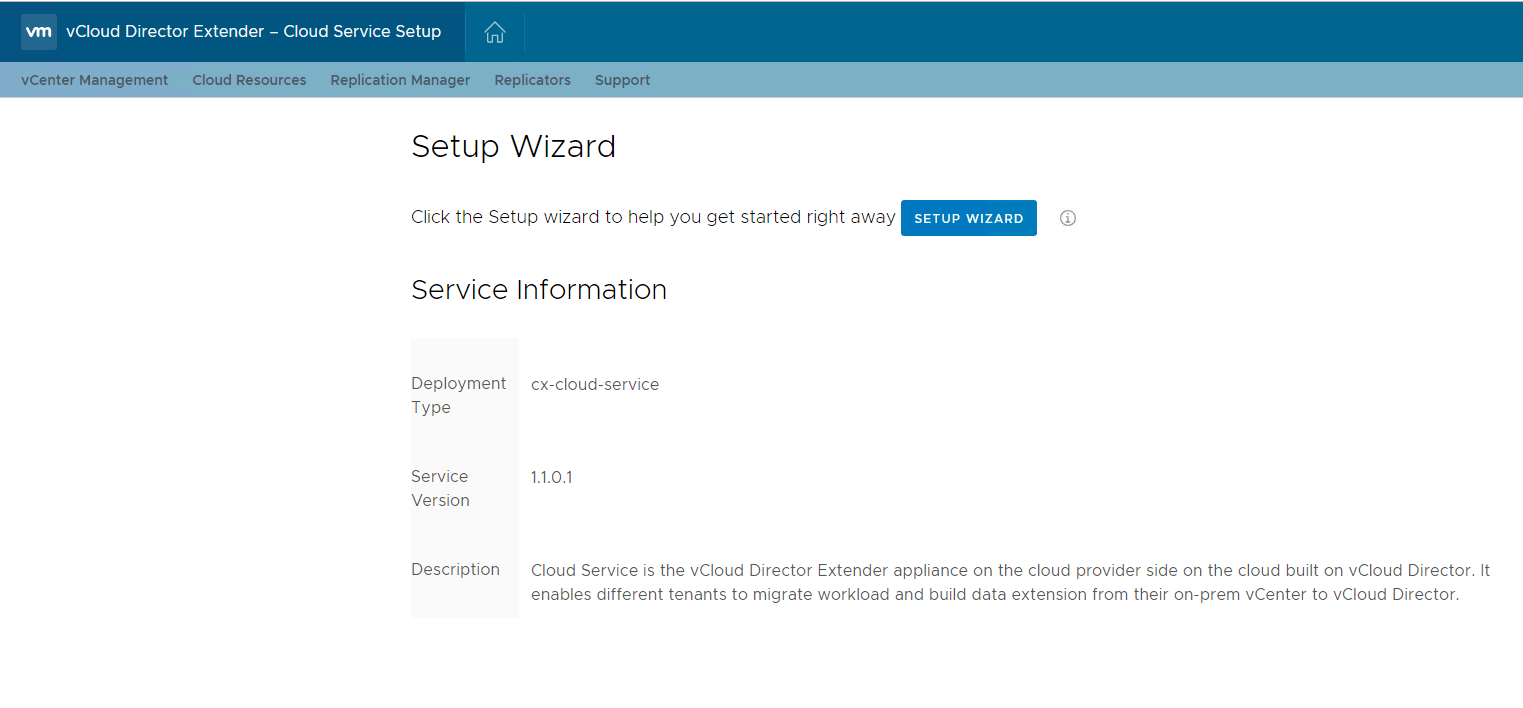
Click on Setup Wizard to start configuring the CX Cloud Service appliance.

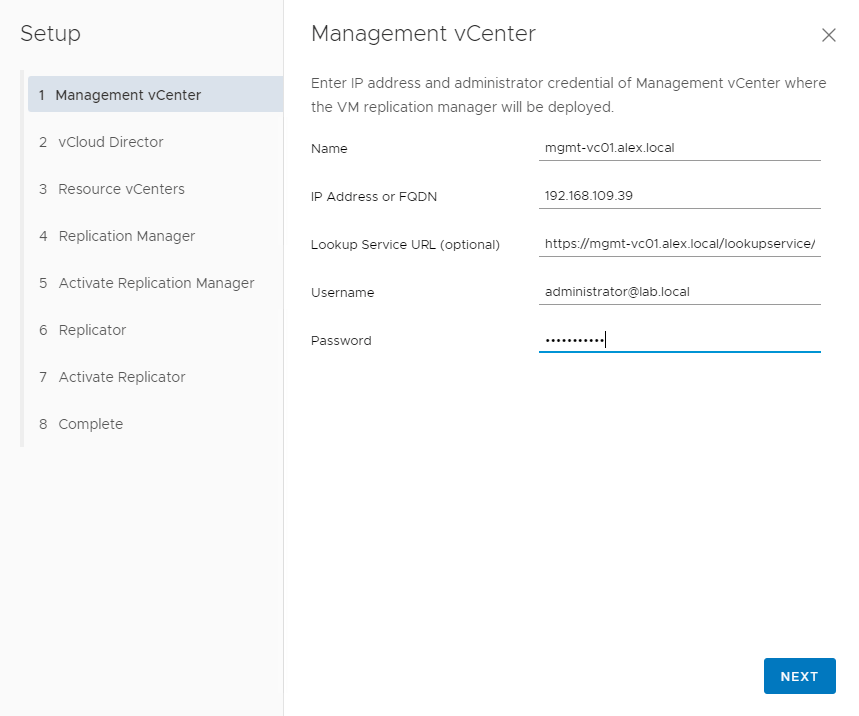
Register the appliance with your management vCenter. If your environment has PSC external to VC, use the PSC IP/FQDN for the lookup service URL.

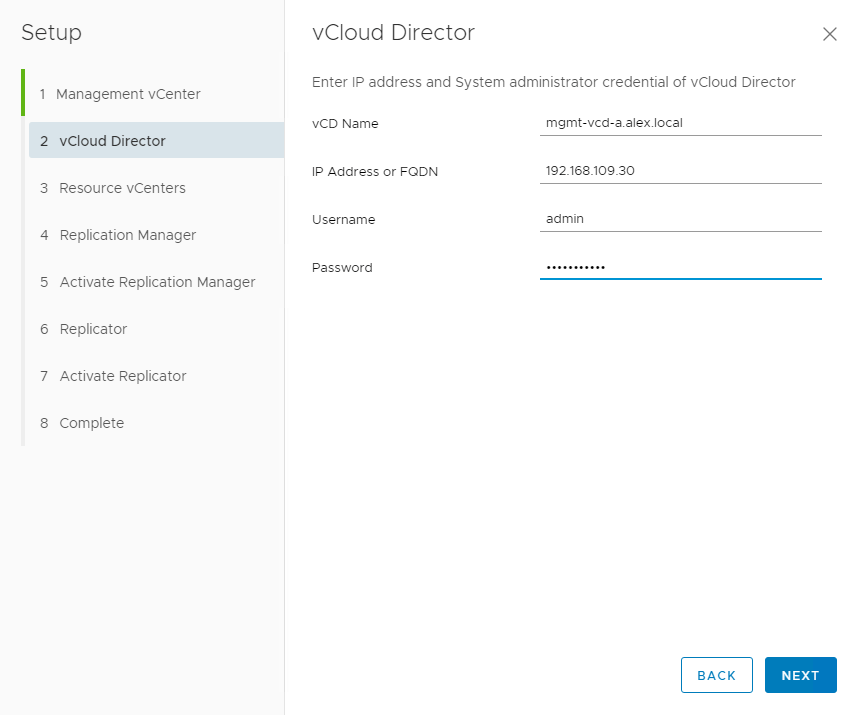
Register the CX Cloud appliance with the vCloud Director. Enter your vCD details and administrator credentials.

Accept the vCD SSL certificate. Read the rest

vCloud Extender-Part 1:Introduction

What is VMware vCloud Extender?

VMware vCloud Director Extender creates a hybrid cloud environment between an end-user on-premise data center and a multi-tenant vCloud Director environment. vCloud Extender is a replacement for vCloud Connector, and this product was released soon after vCloud Director 9.0 was announced. 

What does vCloud Extender offer?

vCloud Extender allows customers to migrate workloads from an on-prem vSphere environment to a vCloud Director public cloud. The two migration methods available with vCloud Extender are cold and warm migration, and I will discuss these methods in detail in the upcoming post of this series.

Another exciting feature that vCloud Extender offers is to stretch an on-prem Layer 2 network to the cloud. This feature helps customer to achieve their “Cloud Migration” objective without much hassle, as you no longer need to re-IP workloads that are migrating to the cloud. 

You do not need to have an on-prem deployment of NSX to stretch a layer 2 network to the cloud, but without on-prem NSX, you are limited to extending only VLANs to VXLAN on the cloud side.Read the rest

vCloud Availability for Cloud-to-Cloud DR-Part 4: Testing DR Operations

In the last post of this series, we paired the two vCloud based cloud instances. Now it’s time to test the DR capabilities offered by vCAV-C2C.

If you are not following along with this series, then I recommend reading earlier posts of this series from the links below:

1: Introduction to vCloud Availability for Cloud-to-Cloud DR

2: vCAV-C2C-POC Deployment

3: Site Pairing

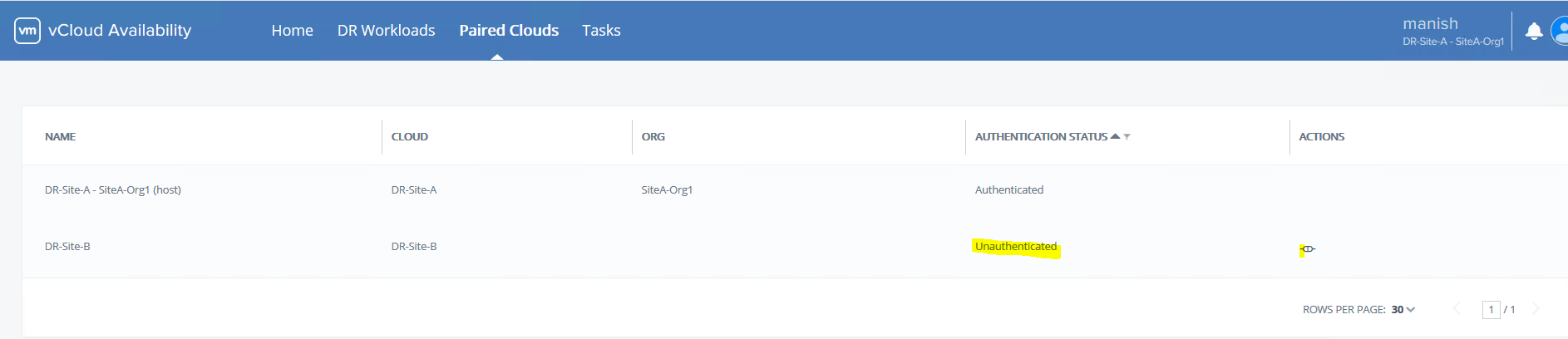
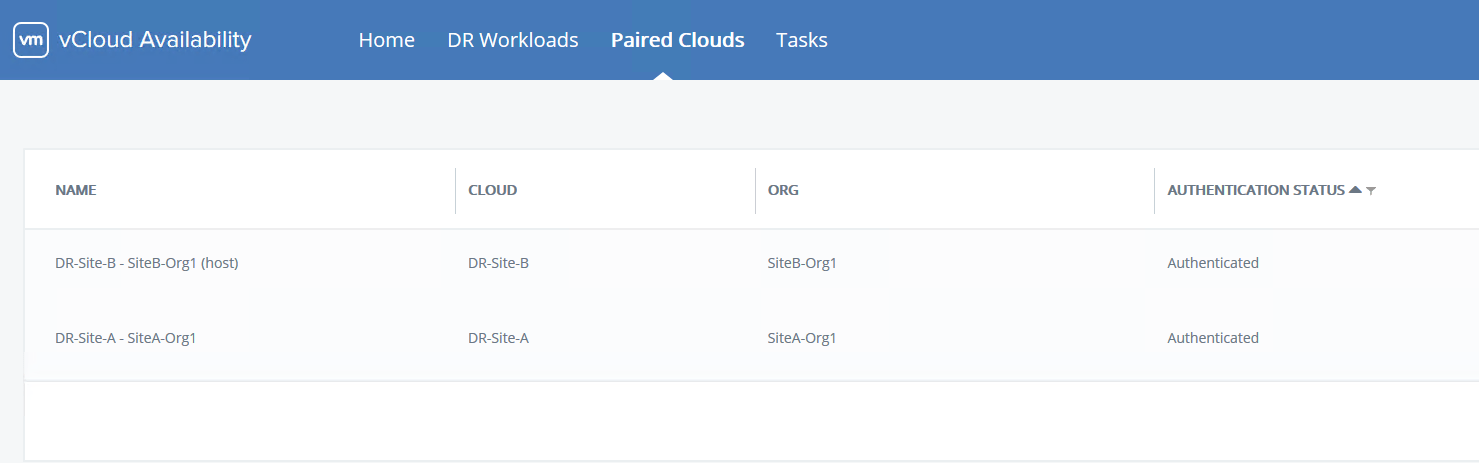
To start testing DR operations, connect to https://VCAV-FQDN:8443 and login with tenant credentials (uname@orgname) and navigate to Paired Clouds.

By default, your Site-B will show as unauthenticated. Click on the gear button to enter credentials.

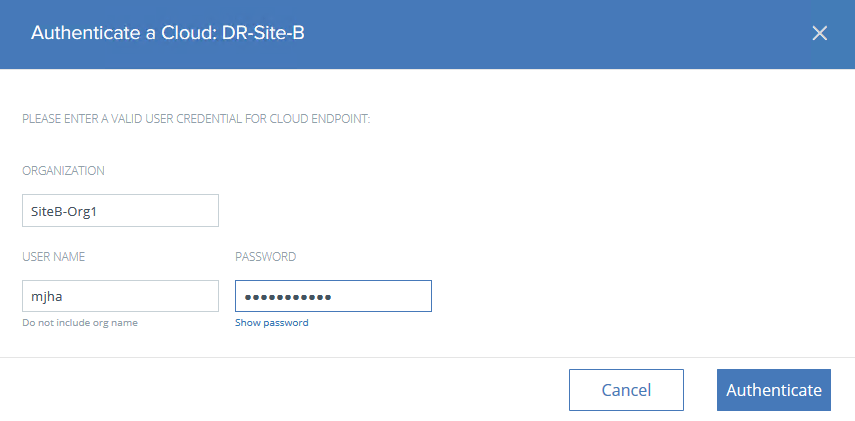
Enter the org name of Site-B and the org user credentials. Click on Authenticate.

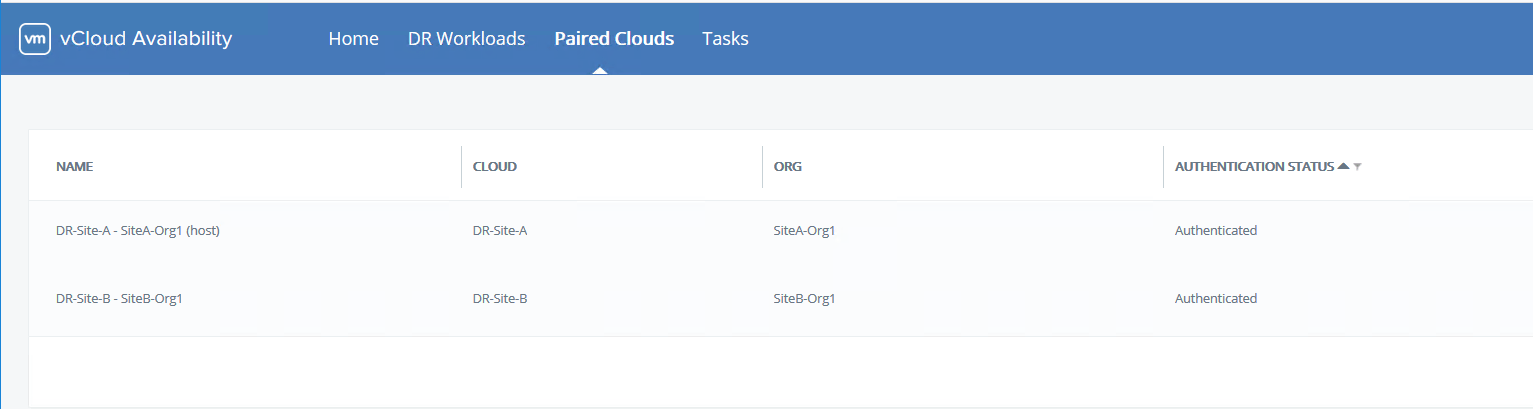
Now both sites will show as authenticated.

Perform the same operation by connecting to the VCAV appliance of Site-B, adding the Org/User details of Site-B, and making sure both sites are showing as authenticated.

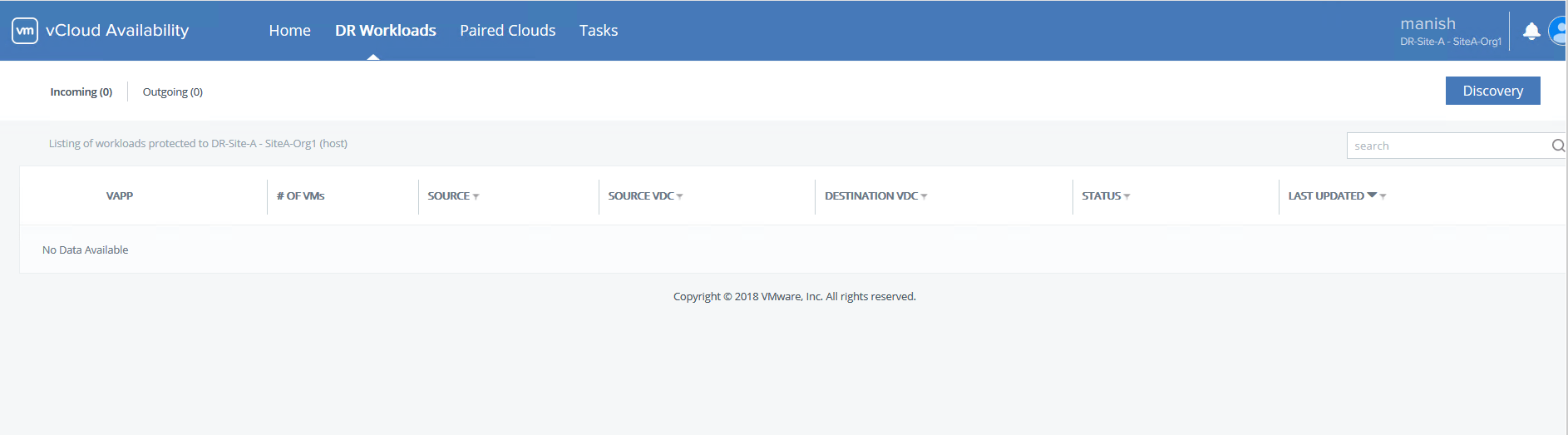
Once both sites are authenticated, navigate to the DR-Workloads tab and click on Discovery

Select the source site from where replication will be initiated.Read the rest