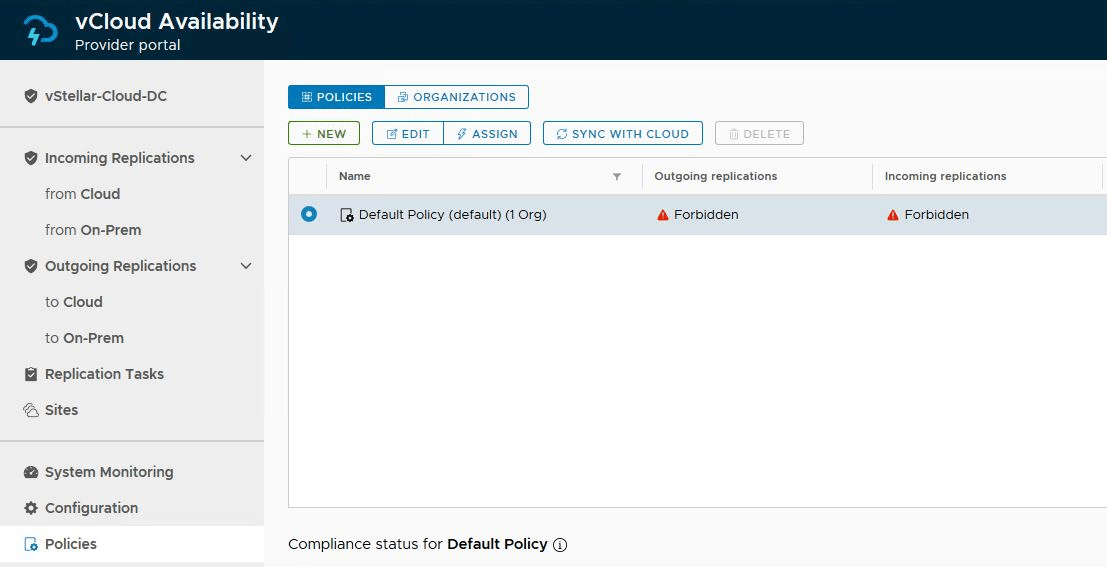
Recently, while working in the lab, I came across a situation where I had to remove the vCloud Availability 3.5 plugin from vCenter. To remove plugins from vCenter, vCenter MOB is used, but removing the vCAV plugin follows a different path.
In this post, I will walk through the steps of doing the same.
Login to your vCenter Server Appliance over SSH and execute the following commands:
1: List vCAV plugin registrations in the vCenter Server Lookup service
|
1 |
# /usr/lib/vmidentity/tools/scripts/lstool.py list --ep-type com.vmware.vcav.endpoint --url http://localhost:7080/lookupservice/sdk 2>/dev/null |
Make a note of the Service ID from the output
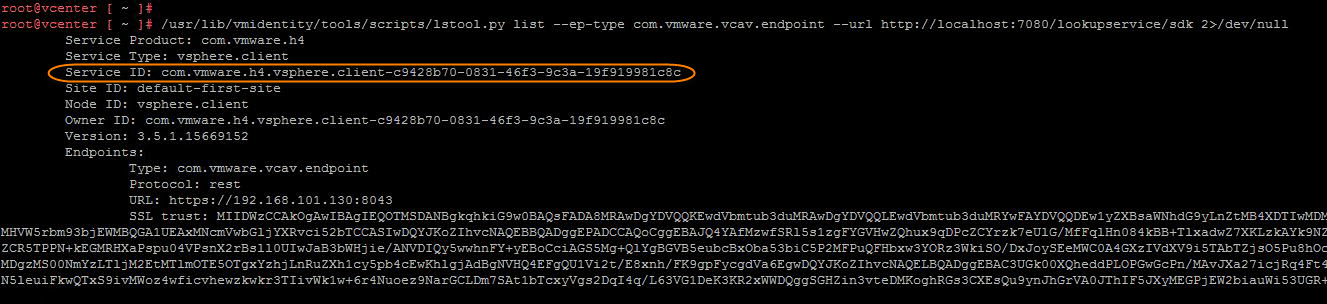
2: Unregister the vCAV plugin from the vCenter Lookup service by providing the SSO credentials and using the Service ID fetched from the previous command.
|
1 |
# /usr/lib/vmidentity/tools/scripts/lstool.py unregister --url http://localhost:7080/lookupservice/sdk --user 'administrator@sso-domain' --password 'SSO password' --id <service-id> |
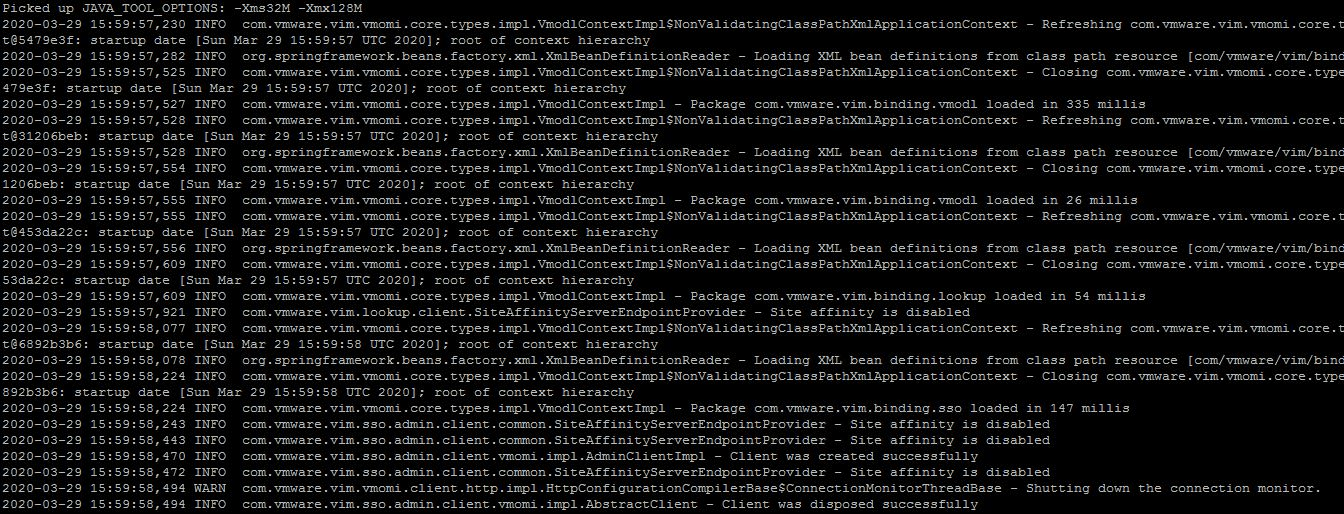
3: Re-run the command from step 1 to verify the vCAV plugin has been unregistered from the lookup service. … Read the rest